

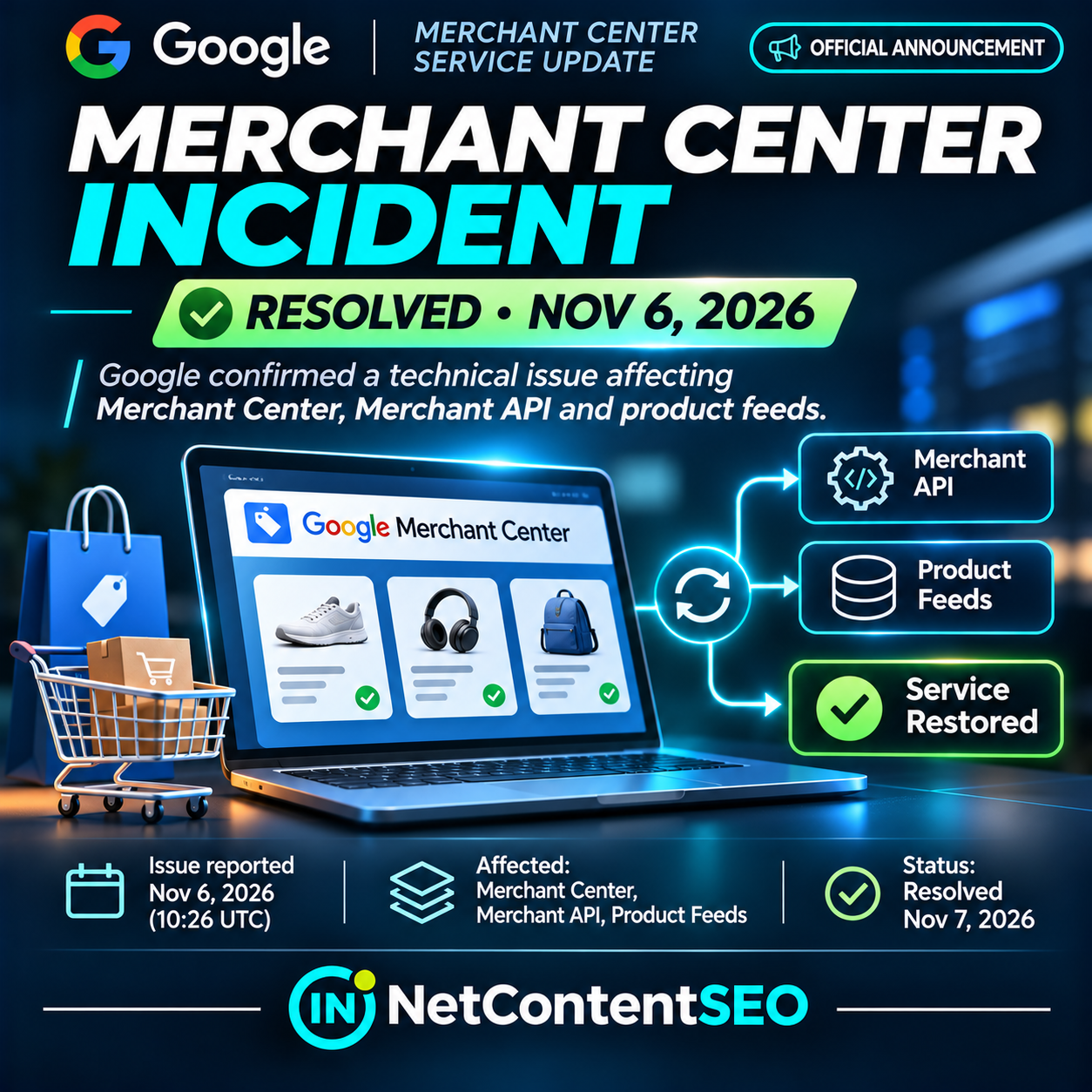

November 7, 2026. Google has closed an incident affecting Merchant Center, Merchant API and product feeds after acknowledging the problem on November 6. The official Merchant Center status dashboard now lists the incident as Closed, with a reported duration of 8 hours and 30 minutes. The status page records its last incident update at 22:54 UTC on November 6. An earlier Google notice at 10:26 UTC said the company was investigating reports of issues with the three services. This is an OFFICIAL ANNOUNCEMENT with a subsequent official resolution, not an ongoing outage alert.
For ecommerce operators, the more important question now is what to check after service restoration. An infrastructure incident can disrupt access to product data or synchronization without proving that Google has deindexed product pages or penalized a website. A disciplined recovery audit should separate Merchant Center processing, API and feed health, product eligibility, and organic Google Search indexing.
What Google confirmed
On November 6, Google posted an incident notice identifying Merchant API, Merchant Center and Feeds as affected. Barry Schwartz reported the announcement at Search Engine Roundtable that morning, including the 10:26 UTC investigation message. The official dashboard subsequently showed the incident closed. The dashboard's recorded incident duration was eight hours and thirty minutes, and its last update was at 22:54 UTC on November 6.
These status details should not be conflated: the timestamp when an investigation notice was posted is not necessarily the moment the incident began or the moment service was restored. The public dashboard is the authoritative place to review the incident timeline. Google's initial message did not identify a root cause or specify that every merchant account experienced identical failures.
Merchant Center status indicators also distinguish service disruption from a full service outage. Google's status-dashboard documentation explains that a service disruption means major features may be affected, while an outage indicates that the product is inaccessible to all users. The presence of an incident does not establish that every feed or API request failed.
What an incident can affect—and what it does not prove
Merchant Center is the product-data management layer used to provide Google with ecommerce inventory information. Merchant API allows applications to manage merchant data programmatically, while product feeds supply information such as identifiers, prices, availability and landing-page URLs. When one or more of these services are disrupted, merchants may see delayed updates, processing failures, missing dashboard data or unexpected errors. These are possible operational effects, not a verified list of symptoms experienced by every account during this specific incident.
Importantly, Merchant Center feed processing is not the same as Google Search crawling and indexing. A feed that fails to update does not automatically mean a product page has disappeared from Google's organic index. Conversely, a page indexed in Search can still have a Merchant Center eligibility or data-quality issue that affects product listings. Diagnosing one system using the other system's metrics can produce incorrect conclusions.
First checks after the outage is resolved
- Confirm official status. Check the Merchant Center status dashboard and its incident history before investigating account-level anomalies.
- Review scheduled feed runs. Identify feed fetches or uploads scheduled during the incident window. Check whether they completed, failed or were delayed, and note the last successful processing timestamp.
- Inspect Merchant API operations. Compare request failures, latency, retries and successful responses before, during and after the incident. Preserve response codes and request identifiers where available.
- Verify product counts. Compare total submitted, processed, approved, disapproved and pending products with a pre-incident baseline. Do not treat temporary dashboard gaps as proof that catalog items were deleted.
- Spot-check critical SKUs. Validate price, availability, canonical product URL, identifiers and inventory data for high-value or recently updated items.
- Review diagnostics. Look for account-level warnings or disapprovals with timestamps. Distinguish new product-data errors from transient processing problems.
- Reconcile storefront data. Compare Merchant Center records with the live website and structured data, especially after price or stock changes.
- Check Google Search separately. If organic indexing is suspected, use Search Console URL Inspection and indexing reports rather than inferring index loss from Merchant Center alone.
- Monitor recovery. Allow for processing backlogs, then verify that scheduled updates and API jobs complete normally. Google's closed status does not guarantee every merchant's local synchronization queue has recovered.
- Escalate persistent issues. If errors continue after the incident is closed, contact Google Merchant Center support with affected account IDs, timestamps, request IDs and reproducible symptoms.
How to distinguish a Google service incident from a local feed error
A useful investigation starts with timing and scope. If multiple otherwise healthy integrations began failing around the official incident period and recovered afterward, a platform-level disruption becomes a plausible explanation. If one merchant's feed alone continues failing after the status page closes, inspect that merchant's feed URL, credentials, format, scheduled fetch settings, API quotas and application logs.
Do not assume correlation is proof of causation. A feed might have contained invalid values before the incident, and a service disruption might simply have delayed when the error became visible. Preserve before-and-after logs so that root-cause analysis can distinguish external service degradation from changes made to the catalog or integration.
What to inspect in product feed diagnostics
Check the last fetch time, processing completion time, item count, rejection reasons and any discrepancies between submitted and active items. For an API-based integration, inspect failed requests and whether retries were idempotent. Replaying write operations without verifying their current state can create duplicate or inconsistent updates in some systems.
For high-turnover ecommerce catalogs, prioritize items with recent price changes, stock transitions and promotions. An old price or availability value can be commercially significant even if the underlying product page remains accessible and indexed. Confirm that the latest intended version of each important item reached Merchant Center successfully.
Merchant Center versus Search Console: two different diagnostic layers
| Question | Best starting point | What it can establish |
|---|---|---|
| Did Google's merchant service report a disruption? | Merchant Center status dashboard | Official service incident and its timeline |
| Did a product feed process correctly? | Merchant Center data sources and diagnostics | Feed processing, submitted items and product issues |
| Did API requests fail? | Merchant API client logs and responses | Integration-specific failures and recovery |
| Is a product eligible for merchant listings? | Merchant Center product status and diagnostics | Eligibility and policy or data-quality problems |
| Is a product page indexed in organic Search? | Google Search Console URL Inspection | Indexing information for the page URL |
| Did organic traffic change? | Search Console performance and web analytics | Observed search performance, not automatically its cause |
A Merchant Center incident can affect product listing workflows, but it should not be reported as a confirmed organic ranking update. There is no official evidence in the incident notice that Google changed ranking algorithms, Search indexing criteria or AI Mode product selection.
Implications for ecommerce SEO and AI shopping
Accurate product information supports multiple discovery surfaces. Retailers increasingly distribute product facts through websites, structured data, feeds, merchant integrations and shopping interfaces. When a synchronization layer fails, teams risk working from stale or incomplete information. That is a data reliability problem before it is an SEO ranking problem.
For GEO and agentic commerce, the broader lesson is similar: automated shopping assistants and recommendation systems depend on trustworthy product data. A service outage is a reminder to monitor the freshness and consistency of inventory, pricing and merchant records. However, this particular incident does not establish that ChatGPT, Google AI Mode or other AI agents displayed incorrect recommendations. Such a claim would require separate evidence.
Should merchants resubmit all feeds immediately?
Not necessarily. First inspect whether scheduled processing has resumed and whether the latest feed or API update has already been accepted. Unnecessary bulk resubmissions may create avoidable load and obscure which update restored the data. If a feed remains stale or failed, follow the documented resubmission or retry procedure for the relevant integration, taking care not to duplicate state-changing requests.
Where an external ecommerce platform manages synchronization, check its integration status and logs before making manual changes in Merchant Center. Coordinate with developers or the platform provider if failures persist after Google's incident has closed.
How to communicate the incident to clients
An accurate client update should say that Google confirmed an incident affecting Merchant Center, Merchant API and feeds on November 6 and subsequently marked it resolved. It should specify which client accounts, feeds or API jobs were actually affected, and whether recovery was verified. Avoid saying that all product listings disappeared, all merchants lost traffic or Google deindexed ecommerce pages unless account-level evidence supports those statements.
For reporting, annotate the incident window and compare affected data pipelines with normal baselines. If product performance changes, investigate other potential causes rather than automatically attributing every fluctuation to the outage.
Frequently asked questions
Was Google Merchant Center down on November 6, 2026?
Google officially reported an incident affecting Merchant API, Merchant Center and feeds. The status dashboard later marked it closed. That does not mean every account was completely inaccessible.
Is the incident still active on November 7?
No. The official dashboard checked on November 7 lists the November 6 incident as closed, with a recorded duration of eight hours and thirty minutes.
When did Google acknowledge the issue?
Google's investigation notice was published at 10:26 UTC on November 6, as reported by Search Engine Roundtable and reflected in the official incident record.
What services were affected?
Merchant API, Merchant Center and product feeds.
Does a Merchant Center incident mean Google deindexed my products?
No. Merchant Center processing and organic Google Search indexing are separate systems. Check Search Console if you suspect an indexing issue.
Can products remain stale after the official incident closes?
It is possible for local synchronization jobs or processing queues to require follow-up. Verify the actual last successful update rather than assuming every catalog has automatically caught up.
Should I reupload every product feed?
First confirm whether normal processing has resumed. Retry or resubmit only where needed, following your integration's documented procedures.
Did the outage affect Google AI Mode product recommendations?
The official notice does not establish such an effect. Separate evidence would be needed.
Where can I check future Merchant Center incidents?
Use the official status dashboard, which also provides incident history and a feed of updates.
Conclusion: check the infrastructure before blaming indexing
Google's November 6 Merchant Center incident is now officially closed. For ecommerce teams, the next step is not to assume a ranking penalty or deindexing event. It is to confirm that product feeds, API synchronization and merchant diagnostics have returned to normal, then investigate any remaining account-specific errors.
Before diagnosing a product visibility loss, establish whether the underlying merchant-data pipeline was healthy. That distinction prevents wasted SEO work and helps teams respond to real product-data problems faster.