
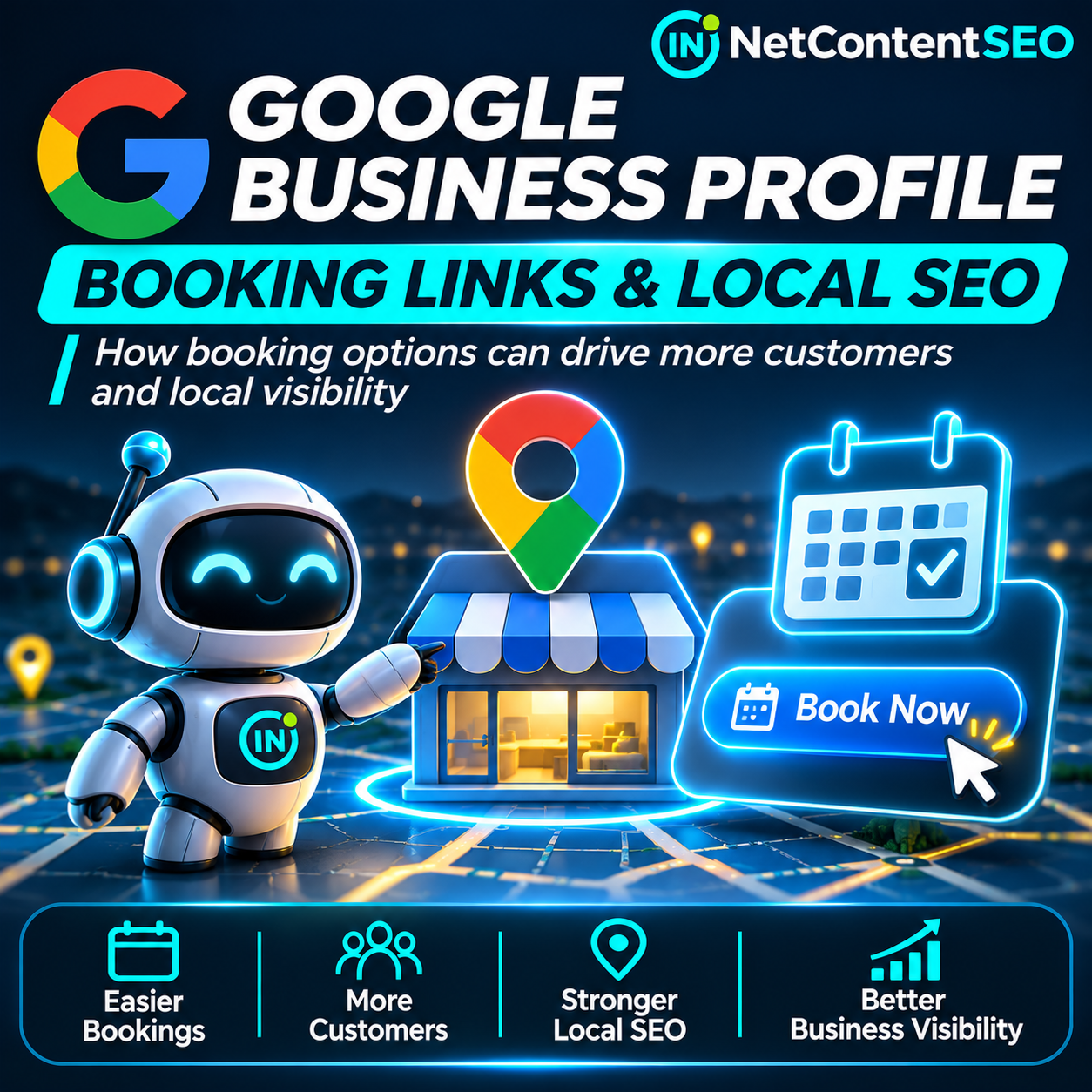
Google Business Profile booking links are becoming an increasingly important part of local customer journeys. A business discovered in Google Search or Maps may be able to move a prospective customer directly to an appointment or reservation flow, without forcing them to hunt through a website for the next step. A recent Search Engine Roundtable report draws attention to booking links in Google Business Profiles. The precise details of the reported change could not be independently retrieved for this article, so it should not be treated as confirmation of a new universal rollout.
What can be verified is Google's existing documentation: eligible businesses can add their own appointment links, connect supported booking providers, select a preferred link and manage third-party links. These capabilities matter for local SEO because discovery and conversion are different problems. Ranking in Maps may bring attention, but a clear, functioning booking path helps customers act on it.
What Google officially supports
Google's Manage your local business links help page describes two types of links: informational links, such as a menu or service list, and action links for appointments, reservations and orders. Google says a profile can include up to ten links per category on that help page, although separate policy documentation has used different wording and limits. Businesses should follow the options and restrictions actually displayed in their profile.
Availability depends on the business category, region and specific transaction type. Not every business can add every kind of link. These options should not be confused with a general website link or an automatic promise of a prominent booking button.
How to add your own booking link
Google's official process is straightforward for an eligible, managed Business Profile:
- Open your Business Profile while signed in to the account that manages it.
- In Google Search, select Booking; in Google Maps, select Edit profile and the appropriate transaction type.
- Choose Add link, or Add another link if one already exists.
- Enter the URL of the relevant appointment or reservation page.
- Select Save.
- Check the public listing while signed out, follow the link and complete a test booking.
Google also allows businesses with multiple links to select a preferred destination using Set preferred link. This can help direct customers toward the booking system the business actually wants to use, although the visual presentation is controlled by Google.
A booking link is not the same as Reserve with Google
There are two distinct paths. A manually added booking link directs users to a booking page supplied by the business. A connected booking provider is integrated through Google's supported booking ecosystem, which may enable additional booking experiences and reporting.
Google's Set up bookings through a provider guide says businesses can open Bookings, select Get started, choose a provider and complete setup. Google says connected providers can take up to a week to appear, and providers may charge fees. Its help documentation also notes that booking performance data is not available for manually added custom links; businesses should rely on their own analytics and booking software for that path.
Do not promise clients that pasting any URL into a profile creates the same prominent blue call-to-action or on-Google booking experience as a supported provider integration. Google determines presentation and eligibility.
Google's booking link rules: the technical checklist
Google's published business link policies require action links to lead to relevant, dedicated landing pages where customers can complete the designated action. For a company with several locations, the booking destination should correspond to the specific location, not an unrelated branch or a generic homepage.
Google also checks whether its systems can access the destination. A booking page that blocks verification crawlers, returns an error, requires a login or CAPTCHA before the relevant page can be evaluated, or fails to load necessary resources may lose eligibility. The policy covers redirects, scripts, stylesheets and other resources used by the page.
Practical checks include:
- Direct destination: send users to the actual booking flow, not a generic contact page or a list of unrelated locations.
- Working response: verify the page loads with a successful HTTP status and does not lead to a 404 or server error.
- Accessible content: make sure Google's verification systems can reach the page and required resources without restrictive bot challenges.
- Correct location: match the service, address and business identity shown in the profile.
- Completed action: test that a customer can select a service and submit an appointment or reservation.
- Mobile experience: test the booking journey on a phone, since many Maps interactions are mobile.
- Policy compliance: avoid social media, messaging links, app-store links and URL shorteners as substitutes for an eligible direct booking page.
These are operational requirements, not evidence that the mere presence of a booking link improves local ranking.
Why third-party links deserve special attention
Google says certain booking, appointment and reservation links can appear automatically through third-party providers. This means a business may find a booking destination it did not manually add. In some cases the provider may be legitimate but no longer preferred; in others, the link could confuse customers or route them through an intermediary.
Business owners should inspect the public listing regularly, verify each destination and review which provider controls the customer journey. Google's help says third-party booking links cannot simply be deleted from the profile in the same way as owner-added links. The business must contact the provider using its opt-out process; Google says providers must process removal requests within five business days. If the provider does not comply, Google offers a violation-reporting route.
This is especially relevant for local agencies managing many profiles. A booking button that silently redirects to the wrong service can cause lost leads even when rankings and impressions remain stable.
What booking links mean for Local SEO
The clearest benefit is conversion convenience. When a customer has already decided to book, fewer steps can reduce friction. A service business may be able to move the customer from Maps to a real appointment form with fewer clicks.
But there are important limits to the evidence. Google does not document booking links as a direct local ranking factor in the help pages reviewed. No universal uplift in calls, bookings or local-pack visibility can be inferred from the existence of the feature. Businesses need to measure the actual outcome.
For local SEO reporting, separate discovery metrics (profile views, search visibility, website visits) from conversion metrics (booking-page visits, completed reservations, qualified appointments and revenue). This distinction is essential when a booking may occur on a third-party platform and never appear as a conventional website conversion.
How to measure bookings without overstating the data
Start with the destination you control. Where permitted by the booking provider and Google's URL policies, use a dedicated landing page or supported tracking parameters, then validate that the booking system preserves them through checkout. Configure analytics events for meaningful steps such as booking form submission or confirmed appointment, not just a button click.
Reconcile web analytics with the booking platform's own confirmed appointments. A booking form view is not a reservation, and a click on a Business Profile link is not a completed transaction. If the provider does not expose referral data, consider a simple source question during booking and treat those responses as self-reported, not exact attribution.
Google states that its booking performance data is unavailable for custom links. Agencies should not promise a Google-native booking report for a manually added URL.
Where AI Mode and agentic search fit in
Booking links are relevant to a broader shift from search results toward action-oriented discovery. Users increasingly expect digital assistants to identify services, compare options and help complete a task. A well-structured booking flow can support that journey.
However, the documentation reviewed does not establish that adding a Business Profile booking link makes a business more likely to be recommended by Google AI Mode, ChatGPT or other agents. Nor does it prove that an AI assistant can complete the booking automatically. A clickable booking link and an agent-executable transaction are different capabilities.
For GEO and agentic search, the practical strategy is to maintain accurate business details, transparent service information, accessible booking pages and clear confirmation steps. Any claim of improved AI citations or autonomous booking completion should be supported by separate testing.
What multi-location brands and agencies should audit
A chain with several branches should map each Business Profile to the correct booking page, location and service inventory. A generic national booking page can create friction or violate the dedicated-location expectation. Agencies can maintain a simple spreadsheet recording the profile, booking destination, provider, date checked and result of a test transaction.
Review links after changes to scheduling software, domain migrations, new branches or changes in provider agreements. Also test whether the preferred link still points to the intended destination and whether a third-party option has appeared or returned after removal.
Frequently asked questions
Can any Google Business Profile add a booking link?
No. Availability depends on eligibility, business category, region and transaction type. Check the controls offered in the managed profile.
How do I add a booking link?
Open your Business Profile, choose Booking, select Add link, enter a direct booking URL and save. Verify the destination from the public listing.
Do I need Reserve with Google?
Not necessarily. Google allows eligible businesses to add their own booking links. A supported provider integration is a separate option with different functionality and reporting.
Will adding a booking link improve Google Maps rankings?
There is no direct ranking benefit established by the official booking-link documentation. Measure customer actions separately from visibility.
Can I use WhatsApp or Instagram as my booking URL?
Google's business link policies exclude messaging and social-media links as substitutes for eligible action links. Use a dedicated page where the customer can complete the booking.
Why did Google remove my booking link?
Possible reasons include an inaccessible page, policy violation, wrong destination or ineligible link. Check the URL, HTTP response, verification access and current Business Profile requirements.
Can I remove a booking link added by a third party?
Google instructs businesses to contact the provider through its opt-out mechanism. Providers must process removal requests within five business days, after which unresolved cases can be reported.
Can I track bookings from a custom link in Google Business Profile?
Google says booking performance data is not available for custom links. Use your own analytics and booking provider's confirmed transaction records where available.
Does this mean AI Mode can automatically book my service?
No. A Business Profile action link is not proof of an autonomous AI booking integration or preferential inclusion in AI-generated recommendations.
The bottom line
Booking links are a practical connection between local discovery and customer action. The verified opportunity is not a guaranteed ranking boost, but a better path from a Business Profile to a functioning appointment or reservation. Businesses should audit their destinations, verify provider ownership, test the complete booking flow and measure confirmed outcomes.
The specific new development described in the linked Search Engine Roundtable article remains unverified here because the page text could not be retrieved. Google's official documentation nevertheless provides a solid basis for a useful, actionable local SEO guide without inventing rollout details.
Sources
- Search Engine Roundtable — Google Business Profiles Adding Booking Links (linked report; full article not independently retrievable).
- Google Business Profile Help — Manage your local business links.
- Google Business Profile Help — Set up bookings through a provider.
- Search Engine Roundtable — Google Business Profiles Links Policies & Guidelines Updated (September 2025).
- Search Engine Roundtable — How To Remove Thumbtack Book Links In Google Business Profiles (July 2024).