

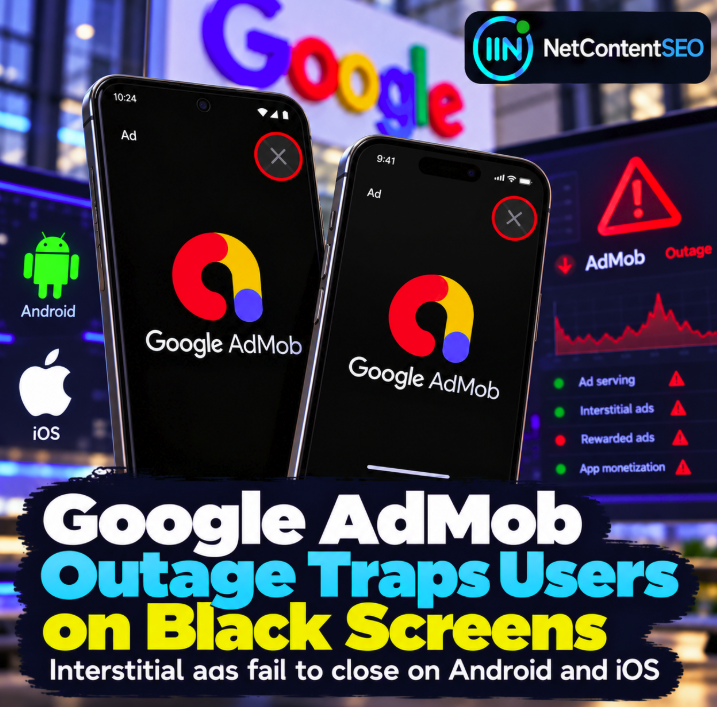
October 8, 2026. An incident affecting Google AdMob has reportedly caused some interstitial video ads to display a solid black screen with an unresponsive close button. The reported behavior affects Android and iOS apps and may leave users unable to continue until they force-close the application.
What happened?
An outage report describes an AdMob issue beginning October 8 at approximately 10:31 UTC. An investigation update at 13:38 UTC acknowledges unexpected behavior affecting AdMob. Reports of the user-facing symptom describe video interstitials failing to render while the dismissal control remains unusable. The full affected-app population and precise root cause have not been established.
Why this is worse than a failed ad impression
A normal advertising failure may mean a lost impression or delayed revenue. An uncloseable full-screen interstitial is different: it can interrupt the core app experience and prevent a user from reaching the content or functionality they opened the app to use. That raises concerns about session abandonment, negative reviews and user trust, in addition to ad revenue.
Android and iOS both mentioned
Incident reporting describes the black-screen behavior on both major mobile platforms. That cross-platform pattern is consistent with a shared ad-serving or rendering problem, but it does not prove the underlying cause. Publishers should avoid blaming a particular SDK version without technical evidence.
Is there a workaround?
Reports indicate that affected users may have to force-close the app to escape the blocked interstitial. That is an emergency exit for users, not a satisfactory solution for publishers. App teams should monitor official AdMob status communications and test affected placements. Any temporary mitigation, such as disabling a problematic interstitial placement, should be evaluated carefully against the publisher's actual implementation and available remote controls.
What app publishers should check
- Reproduce interstitial behavior on Android and iOS devices and document affected app versions.
- Monitor ad load failures, render timeouts, session exits and app reviews.
- Review whether an ad failure prevents navigation or leaves users without an accessible dismissal path.
- Check official Google Ads and AdMob incident updates before attributing the problem to app code.
- Where feasible, use publisher-controlled fallbacks to protect core app functionality.
- After recovery, compare engagement and advertising metrics with an equivalent baseline.
What is confirmed and what remains uncertain?
The incident and black-screen symptoms have been reported, but available information does not establish a universal failure affecting all AdMob apps, a confirmed root cause or a definitive resolution time. An investigating status should not be described as a completed fix.
The NetContentSEO takeaway
Advertising infrastructure is part of the user experience. When an interstitial becomes impossible to dismiss, a monetization mechanism can block the very product it is supposed to support. App publishers should treat ad rendering and dismissal as reliability concerns, with monitoring and safeguards alongside revenue optimization.
Sources: Search Engine Land: AdMob outage report; Google Ads Status Dashboard.