

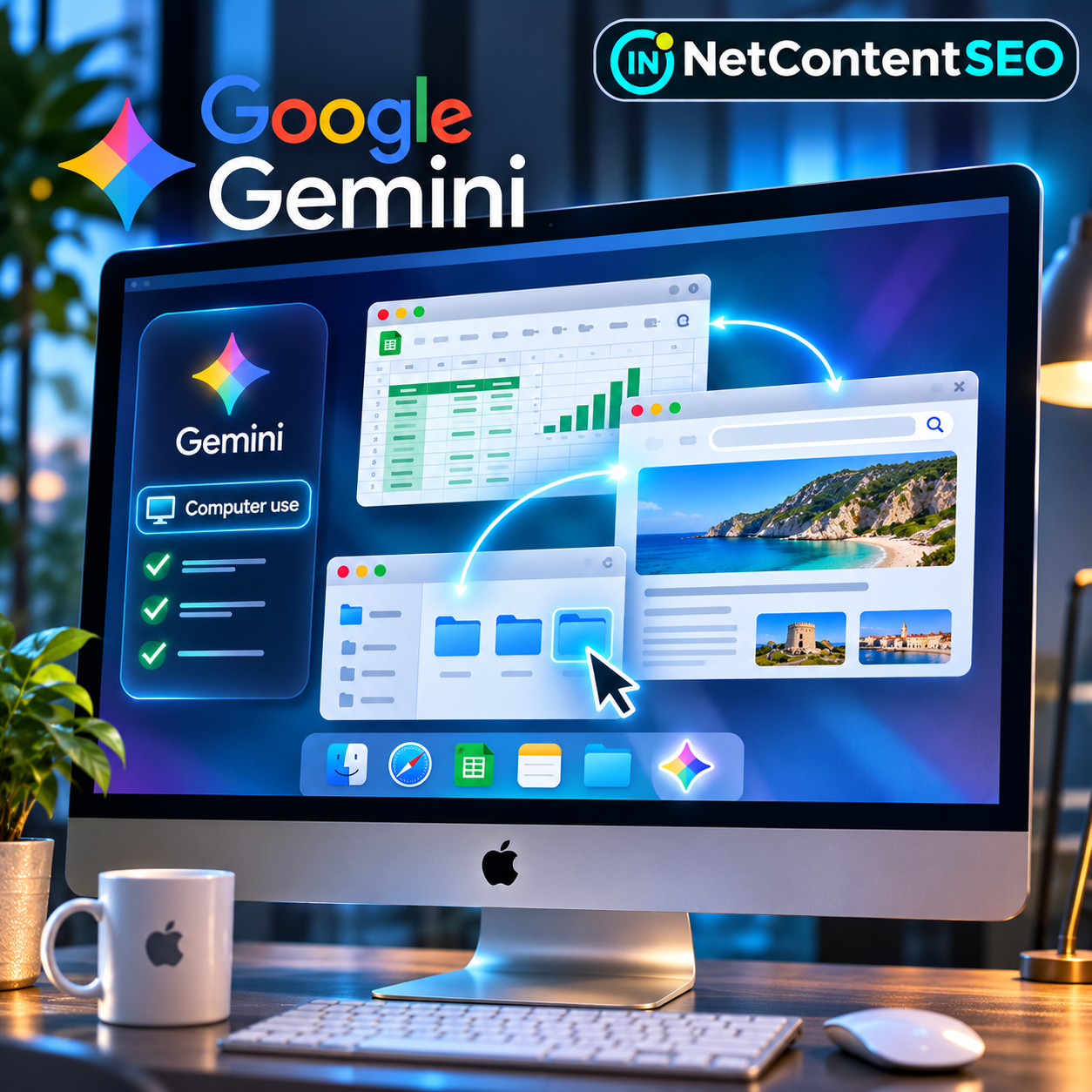
Google has brought computer-use capabilities to the Gemini app for Mac, enabling its assistant to perform multi-step tasks across local files, desktop applications and websites. Announced on November 19, 2026, the feature allows Gemini to navigate menus, click controls, type information and complete workflows while the user continues working in a separate desktop window. This is an important development in agentic AI: the assistant is moving beyond explaining what to do toward carrying out permitted actions.
What Google announced
In the official November 19 announcement, Google describes computer use as a new capability within the Gemini app on Mac. Users can describe a workflow and let the agent interact with supported applications and websites to perform it. Unlike a conventional chatbot that returns instructions, the system can carry out interface actions, including clicks, typing and form completion.
The agent operates in an isolated background window with a live preview inside the Gemini chat. According to Google, this means the main screen and cursor remain available while the agent works. Users choose which apps it may access, can pause execution and must approve important actions. This is a controlled automation experience, not unrestricted remote access to the entire computer.
Availability: the rollout is limited
Google says computer use is rolling out in English in the United States for eligible personal accounts. The announcement specifies Apple Silicon Macs running macOS Sequoia 15.0 or later, users aged 18 or older, and Google AI Plus, Pro or Ultra subscriptions. Google's support documentation describes eligibility and activation through the Gemini app's Task interface and the @Computer use instruction. Availability can vary by account and rollout stage; the desktop Gemini app itself being available in a country does not mean this new feature is available there.
What can Gemini actually do on a Mac?
Google illustrates the feature with practical scenarios that previously required a person to switch repeatedly between applications. One example is extracting measurements and addresses from local PDFs and entering them into shipping-quote forms. Another is gathering metrics and screenshots from regional dashboards and assembling a presentation in Google Slides. Google also mentions batch editing creative assets and preparing online resale listings using local product photographs and researched prices.
These are examples of intended capabilities, not evidence that every third-party application is supported or that each workflow will complete without errors. Application permissions, interface changes, authentication requirements and human approvals still matter.
How computer use differs from ordinary integrations
Traditional AI integrations use dedicated APIs or connected services. Computer use takes a different route: it can operate an application's graphical interface by interacting with controls a human would normally use. This may help bridge software that does not expose a suitable API, although graphical automation can be fragile when layouts change or unexpected dialogs appear.
For developers and operations teams, the distinction is significant. An API-based action can be easier to validate and constrain with explicit schemas. Interface automation is often more flexible, but it requires careful observation, recovery from failures and safeguards against acting on misleading content displayed in an application.
Why this matters for agentic AI
Google's announcement fits a broader industry transition from conversational assistance to task completion. A user may increasingly ask an AI to gather information, update a document, compare options and prepare an action rather than requesting separate instructions for each step. The key product question becomes whether the system can finish the workflow reliably while respecting permissions and preserving user control.
Computer use also expands the range of tasks that can be automated without custom software integrations. But this does not eliminate the need for APIs, nor does it mean autonomous agents should be allowed to make financial, publishing or account-management decisions without oversight.
What does this mean for SEO and AI Search?
The direct SEO impact is limited. Google has not announced changes to Search rankings, Googlebot, AI Overviews citations or Search Console because of this Mac feature. The development is relevant to NetContentSEO primarily as a signal of where AI-assisted discovery and action may be heading.
Consider a future travel workflow. Instead of asking only which destination to visit, a user might ask an agent to compare official access rules, review accommodation options, populate a planning document and prepare a booking. Search and content discovery would be steps within a larger process, rather than the entire user journey. That scenario is an editorial inference about agentic interfaces, not a confirmed new Gemini travel-booking feature.
For publishers, useful and verifiable information remains essential. An agent preparing a decision needs accurate prices, dates, eligibility conditions, policies and original sources. For transactional businesses, accessible interfaces and structured data may make legitimate tasks easier to complete. Neither guarantees that a particular agent will discover or prefer a website.
Practical implications for publishers, marketers and businesses
- Make information actionable: explain not only what a product or service is, but its conditions, availability, costs, exceptions and next steps.
- Keep important facts current: agents acting on outdated opening hours, prices or rules can make costly mistakes.
- Reduce unnecessary interface friction: clear forms, descriptive labels and predictable navigation help both human users and authorized automation.
- Preserve explicit approvals: purchases, publication, account changes and sensitive data transfers should remain subject to appropriate confirmation.
- Measure completed outcomes: monitor qualified visits, form completions, bookings and conversion quality rather than assuming that more AI interaction always produces more website traffic.
- Test safely: use sample data, limited permissions and reversible actions before allowing agents to interact with important production systems.
Security and reliability remain central
An AI agent that can click and type has a different risk profile from one that only generates text. Incorrect selections, ambiguous instructions, malicious content within webpages and accidental disclosure of sensitive information can have operational consequences. Google's permission controls, live previews and approval steps are important safeguards, but they do not make every automated workflow error-free.
Organizations should use least-privilege permissions, avoid exposing unnecessary private data, maintain audit trails where possible and require human confirmation for consequential actions. For critical systems, direct API integrations with constrained permissions may still be preferable to general graphical automation.
The bigger picture: from answers to actions
Gemini's Mac computer-use rollout shows how the AI interface is evolving. Users may increasingly expect assistants not merely to recommend what to do, but to carry out authorized work across the software they already use. For SEO professionals, this is not a new ranking factor; it is a reason to examine how information discovery, website usability and business transactions fit together in agent-driven journeys.
The strongest near-term response is not to rebuild every website for autonomous agents. It is to publish trustworthy, complete information, maintain usable interfaces, expose well-governed integrations where they provide genuine value and observe how real user behavior changes as these tools become more widely available.
Primary sources: Google, “Let Gemini tackle repetitive chores on your Mac,” November 19, 2026; Google Gemini Help: Use Gemini to work with apps on your Mac.