

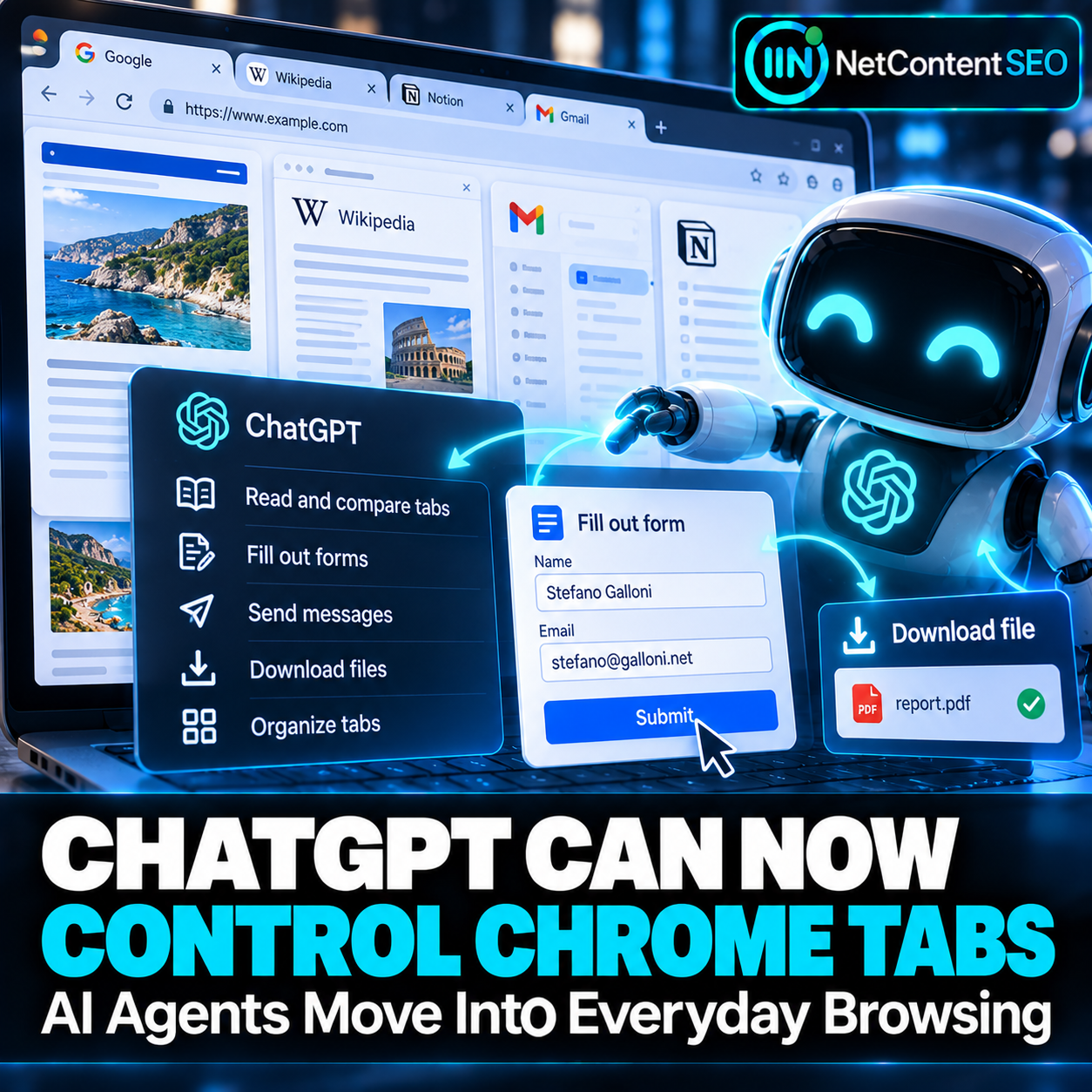

ChatGPT is moving beyond answering questions about the web. With updated browser integration, OpenAI says ChatGPT can use open tabs in Chrome and other supported browsers as context—and, when authorized, interact with websites to help complete tasks.
The change, reported in mid-October 2026, makes the browser a more direct workspace for AI agents. Instead of copying information from several pages into a chat, users can ask ChatGPT to compare those pages or work through a multi-step task in their existing browsing environment.
What changed in ChatGPT's Chrome integration?
According to OpenAI's browser extension documentation, ChatGPT can work with Google Chrome, Microsoft Edge, Brave, Opera and Vivaldi from its desktop app. Supported features include referencing open tabs and browser control. Side chat is available in Chrome, Edge, Brave and Vivaldi, while Opera does not support side chat in the documented configuration.
In ordinary Chat use, an assistant can inspect permitted tab content to explain an article or compare several product or pricing pages. With Work and the relevant browser permissions, it can also operate website controls—for example, filling out a form, changing filters, organizing tabs or downloading files. Availability depends on rollout, account and workspace settings.
From reading pages to completing workflows
OpenAI's computer and browser training guide describes a practical distinction: a browser agent can navigate interfaces, click and type, while dedicated plugins may handle some tasks directly through integrations. Browser control is especially useful when a task depends on the current page, a visual interface or an existing signed-in session.
For example, a user might ask ChatGPT to compare three service providers in open tabs, record their features in a comparison sheet and prepare a draft message. Another user might ask it to populate a registration form but stop before submitting. These workflows combine retrieval, interpretation and interface interaction.
Chrome tabs are not the same as ChatGPT's cloud browser
The distinction matters. The desktop browser extension can operate in a user's regular browser context, subject to permissions. ChatGPT's cloud browser is a separate browser running remotely, with its own cookies and signed-in sessions; it does not automatically inherit the tabs or logins from a user's local Chrome profile. OpenAI also offers a built-in browser inside the desktop app.
These are related but different ways of carrying out browser tasks, and capabilities vary by product and account.
Why this matters for SEO and website owners
Traditional SEO concentrates on helping people discover pages through search results. AI-assisted browsing introduces another layer: an agent may be asked to use a site after discovery. That can include reading structured information, comparing prices or policies, navigating forms and identifying the correct next action.
This does not mean browser agents replace search engines or that a new ranking factor has been announced. It does suggest that website usability increasingly has two audiences: people and software agents acting on people's instructions.
Clear page headings, accessible form labels, understandable error states, consistent navigation and accurate product or service details can make a website easier for both. Critical information hidden behind ambiguous interactions may create friction in automated workflows, just as it does for human visitors.
Agentic browsing creates new measurement questions
Website owners may need to think beyond pageviews and traditional organic sessions. An agent could compare a business across multiple pages, prepare a form or help a user reach a decision without following a conventional search-to-click journey. How such activity appears in analytics will depend on the implementation and whether the agent actually loads or interacts with the website.
For now, claims about changes in search traffic, conversion rates or rankings would be premature. The more immediate opportunity is to test common user journeys with assistive technologies and agent-style workflows while preserving security and human control.
Permissions, privacy and trust remain essential
Allowing software to interact with signed-in websites raises practical questions about permissions, account context and consequential actions. OpenAI's guidance tells users to review site access and check which account is active. Sensitive submissions and irreversible actions warrant explicit review. Websites also need to defend against misleading page content and unauthorized operations.
NetContentSEO assessment
The headline is not simply that ChatGPT can see more browser tabs. The important development is the transition from AI as a reading assistant to AI as a browser-based task assistant. For SEO and digital teams, the sensible next step is not to invent new ranking signals, but to ensure that essential site journeys are clear, accessible and dependable when users delegate parts of their browsing to agents.
Sources: OpenAI browser extension documentation; OpenAI computer and browser guide; PCMag Middle East report.